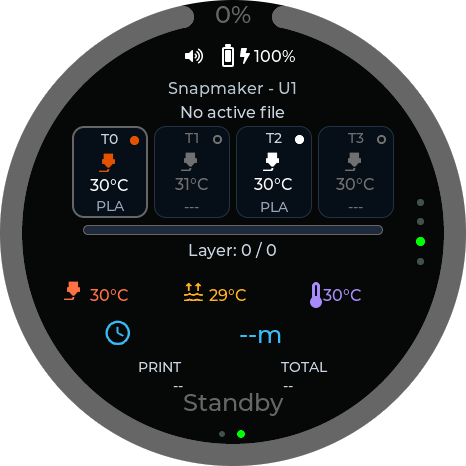
Live print status
See job phase, temperatures, layer information and timing without reaching for a phone or browser.
PrintDeck keeps live progress, temperatures, tools and camera views on a dedicated companion screen. It connects directly to Klipper and supported Bambu Lab printers—without a cloud account.
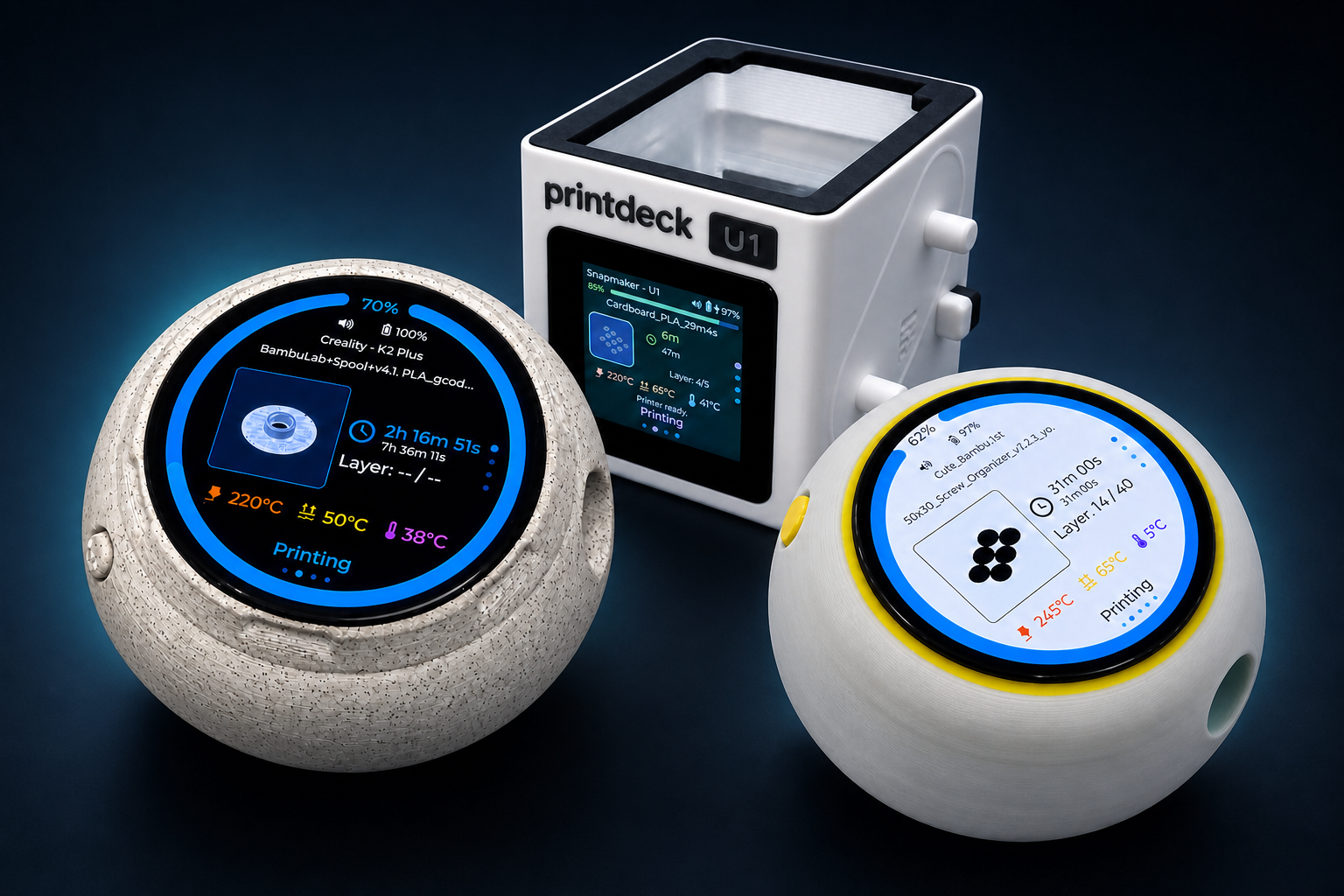
Progress, temperatures, tools and camera views stay on a dedicated screen while you work, cook or simply step away from the printer.
See job phase, temperatures, layer information and timing without reaching for a phone or browser.
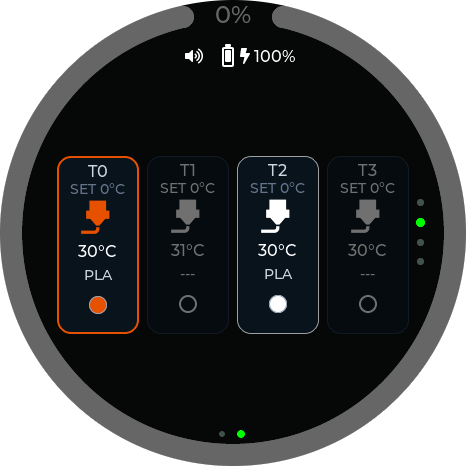
PrintDeck discovers up to twelve Moonraker extruders and keeps live targets, materials and colours easy to read.
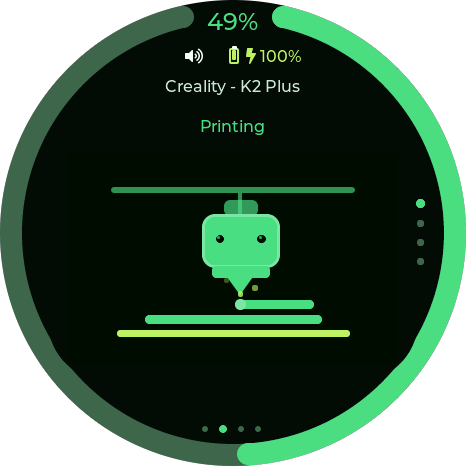
Theme-matched printer animations make heating, printing, pausing and completion immediately recognizable.
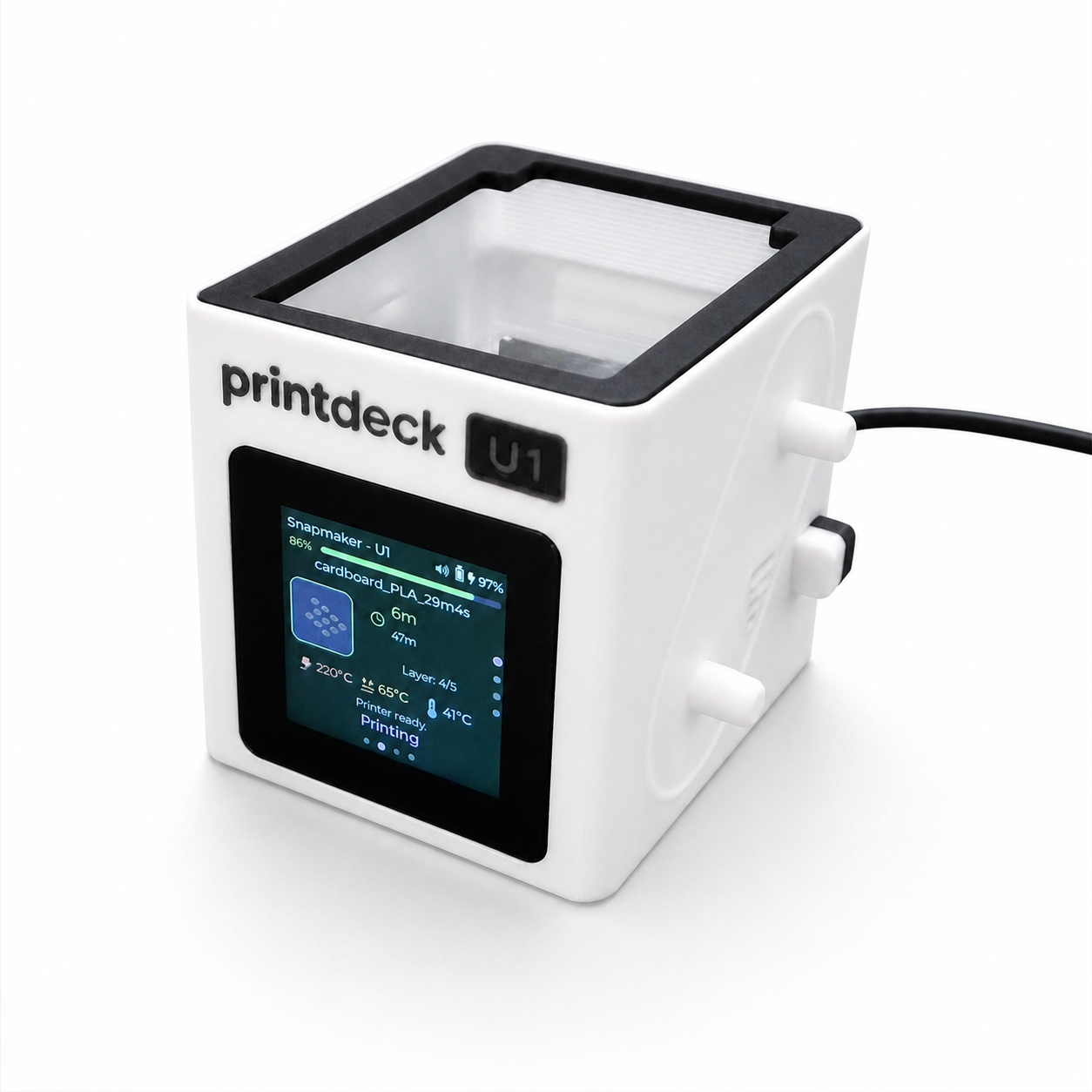 U1 MINI
For the U1, PrintDeck keeps job, tool and temperature data on a focused companion display. The matching enclosure echoes the printer, with camera support that requires no modification.
A short, verified real-world workflow will be added here after final device validation.
Use the round 1.75-inch AMOLED or the compact square 1.54-inch LCD.
Connect USB-C and use the guided installer—no programming tools required.
Add your printer through Web Config and keep its credentials on PrintDeck.
PrintDeck keeps setup and daily use focused: guided USB installation, local printer connections, saved settings, recovery Wi-Fi and wireless updates—all on a display that is ready when you need it.
Keep it on a desk, carry it through the workshop or attach The Riverstone to a metal surface. Each enclosure gives the same focused PrintDeck experience a different physical character.
Explore all case designs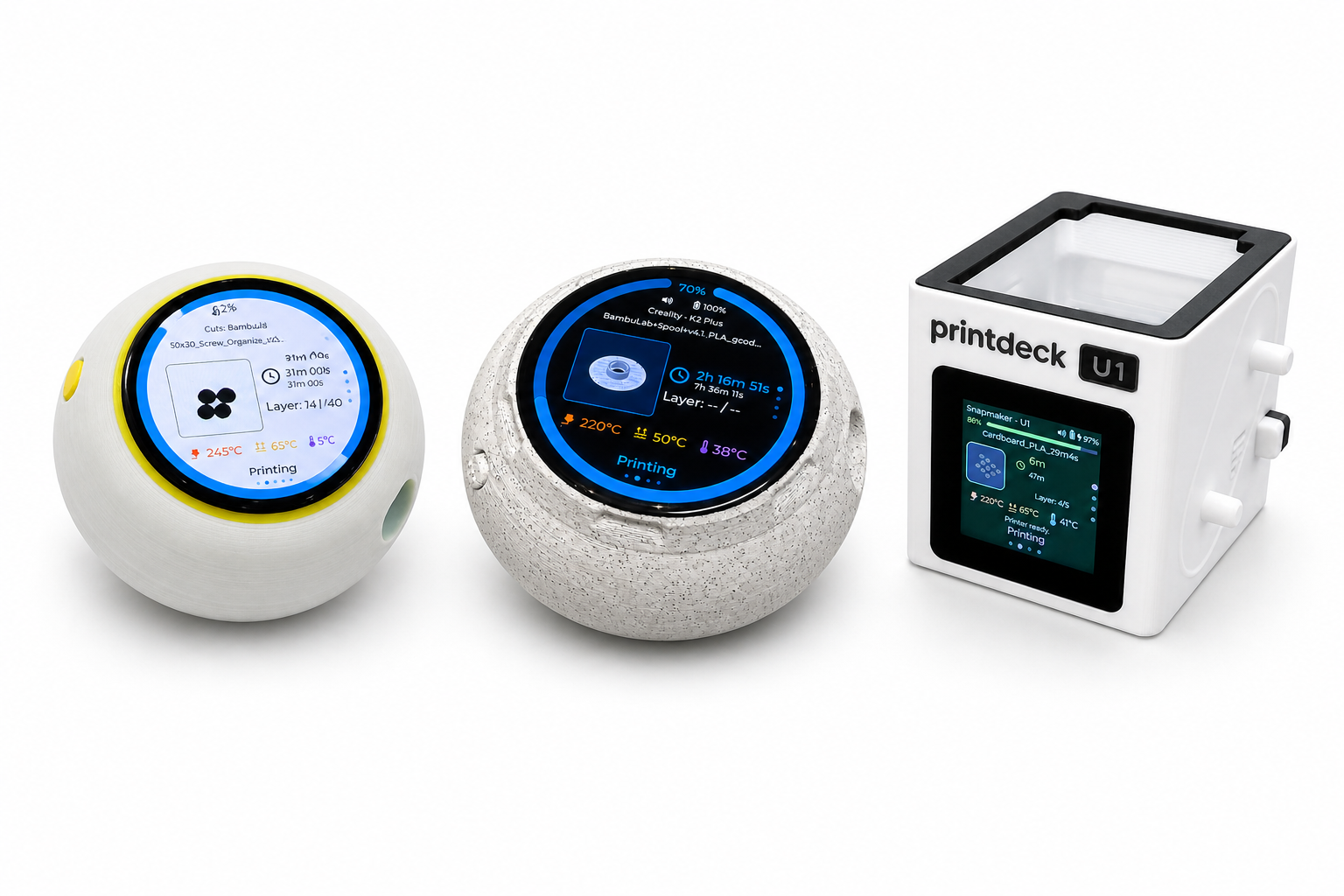
The complete firmware repository, build instructions, hardware notes, issue forms and contribution guide are public. Experienced builders can adapt PrintDeck, while official DIY sets and complete devices remain available through support.
Install the firmware, choose a case and turn a compact touch display into a dedicated printing companion.